
Download speed
Important for large game files and shared household use, but not a latency guarantee.
INTERNET FOR GAMING / UAE
Understand the difference between plan speed, ping and the Wi-Fi inside your home before you upgrade the wrong thing.
READ THE RIGHT SIGNALS
Important for large game files and shared household use, but not a latency guarantee.
The round-trip delay to a particular server; lower and steadier is usually better.
The local wireless path between your device and router can introduce its own instability.
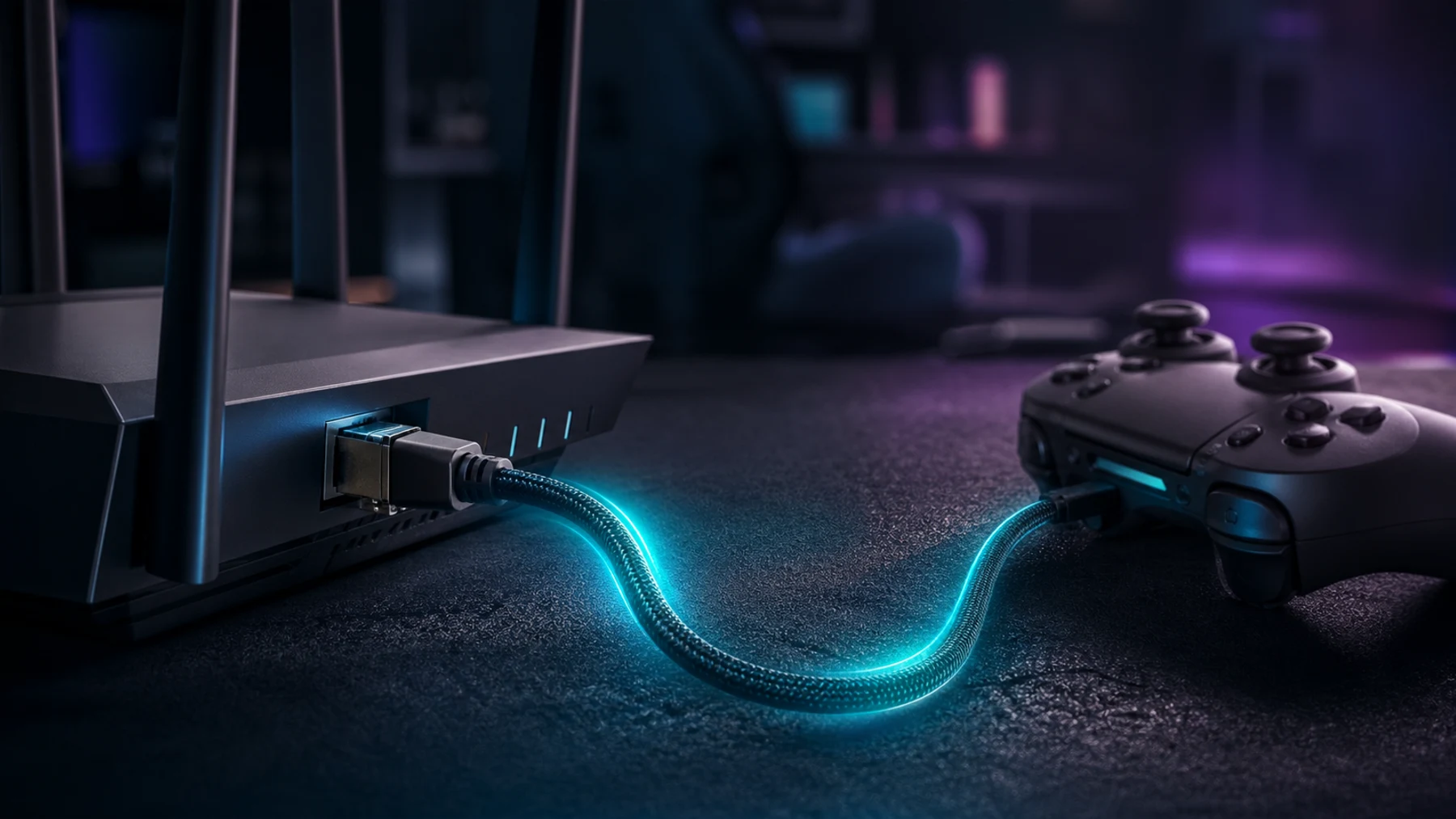
A direct local path that removes many common wireless variables.
UPGRADE OR FIX?
A plan upgrade helps when household demand exceeds capacity. A home-network fix helps when strong service is weakened by placement or coverage.
COMPARE THE OPTIONS
Check whether simultaneous users and downloads exceed the service capacity.
BEST FOR — Busy connected householdsImprove router placement, mesh design or the device connection.
BEST FOR — Room-specific problemsCreate a dependable LAN connection for a fixed setup.
BEST FOR — Serious console and PC playSTRAIGHT ANSWERS
Gameplay itself often uses modest bandwidth, while downloads, streaming and other users create larger demand. Stability and latency matter alongside speed.
USNIZ can offer independent guidance or facilitate a referral where appropriate, but it is not a telecom provider and does not control provider networks.
Distance, wall materials, interference, cabinets and mesh placement can weaken the local path even when the main connection is healthy.
YOUR NEXT MOVE
Share your Emirate, home type, current plan and where the gaming setup sits.